Christmas holidays have begun, and having more free time means also being able to tinker more with stuff I like, so mainly software development.
A bit of preface, at home I found an old Asus Nexus 7 that I bought from a friend for like 15 euros, and I used in the past to read some books with Librera, but soon had to face with the harsh reality:
the tablet is slow.
Really slow.
Really damn slow.
So brain as always starts thinking a lot and then I asked myself
Can I build a custom android ROM to repurpose this thing?
Short answer is yes, long answer is Yes, but in italic, and I’m taking this as a chance to learn something now,
So here goes the part 1 of the project, building a custom launcher to wrap an e-reader app.
The fake launcher, aka the Holding Bag
This is by far the easiest part, that was made in Kotlin because speed is key, with the old Android views system.
The view was build using a FrameLayout, since the application just needs to render another app inside, like this
<FrameLayout xmlns:android="http://schemas.android.com/apk/res/android"
    xmlns:app="http://schemas.android.com/apk/res-auto"
    xmlns:tools="http://schemas.android.com/tools"
    android:id="@+id/main"
    android:layout_width="match_parent"
    android:layout_height="match_parent"
    tools:context=".MainActivity">
</FrameLayout>
Now it’s time to move on the MainActivity: the core of this are the methods used to
- launch the e-reader app
- check if the app is already in execution
Launching the e-reader is an easy task, the “Framing app” just calls the activity of the external package, in this case KOReader
private fun launchEreader() {
    val packageManager = packageManager
    val intent = packageManager.getLaunchIntentForPackage("org.koreader.launcher")

    if (intent != null) {
        intent.addFlags(Intent.FLAG_ACTIVITY_NEW_TASK)
        startActivity(intent)
        Log.d(TAG, "Ereader launched")
    } else {
        Log.e(TAG, "Ereader error")
    }
}
At this point, calling the method from the onCreate() in the activity, KOReader is launched.
The second step is checking if the app is in foreground in case the onResume() is called, via this method
private fun isReaderInForeground(): Boolean {
    val readerPackage = "org.koreader.android"
    val usm = getSystemService(Context.USAGE_STATS_SERVICE) as UsageStatsManager
    val endTime = System.currentTimeMillis()
    val beginTime = endTime - 1000 * 10
    val usageStatsList = usm.queryUsageStats(UsageStatsManager.INTERVAL_DAILY, beginTime, endTime)

    if (usageStatsList.isNullOrEmpty()) {
        return false
    }

    val recentApp = usageStatsList.maxByOrNull { it.lastTimeUsed }?.packageName
    return recentApp == readerPackage
}
Basically, what the method does is the following: after getting the UsageStatsManager to read the launched apps, checks which one has been in execution during the last 10 seconds. If the app is KOReader, returns true, otherwise if there’s no app or it’s not KOReader returns false.
In the onResume() it’s called, obviously, like this
if (!isReaderInForeground()) {
    launchEreader()
}
Last but not least, the AndroidManifest.xml needs to declare following intent filters
<action android:name="android.intent.action.MAIN" />
<category android:name="android.intent.category.HOME"/>
<!-- REMOVE WHEN READY -->
<category android:name="android.intent.category.LAUNCHER" />
<category android:name="android.intent.category.DEFAULT" />
Until we’re in testing phase in Android Studio, the LAUNCHER intent needs to stay, otherwise the app doesn’t open.
This is the final result:

And this in reading mode
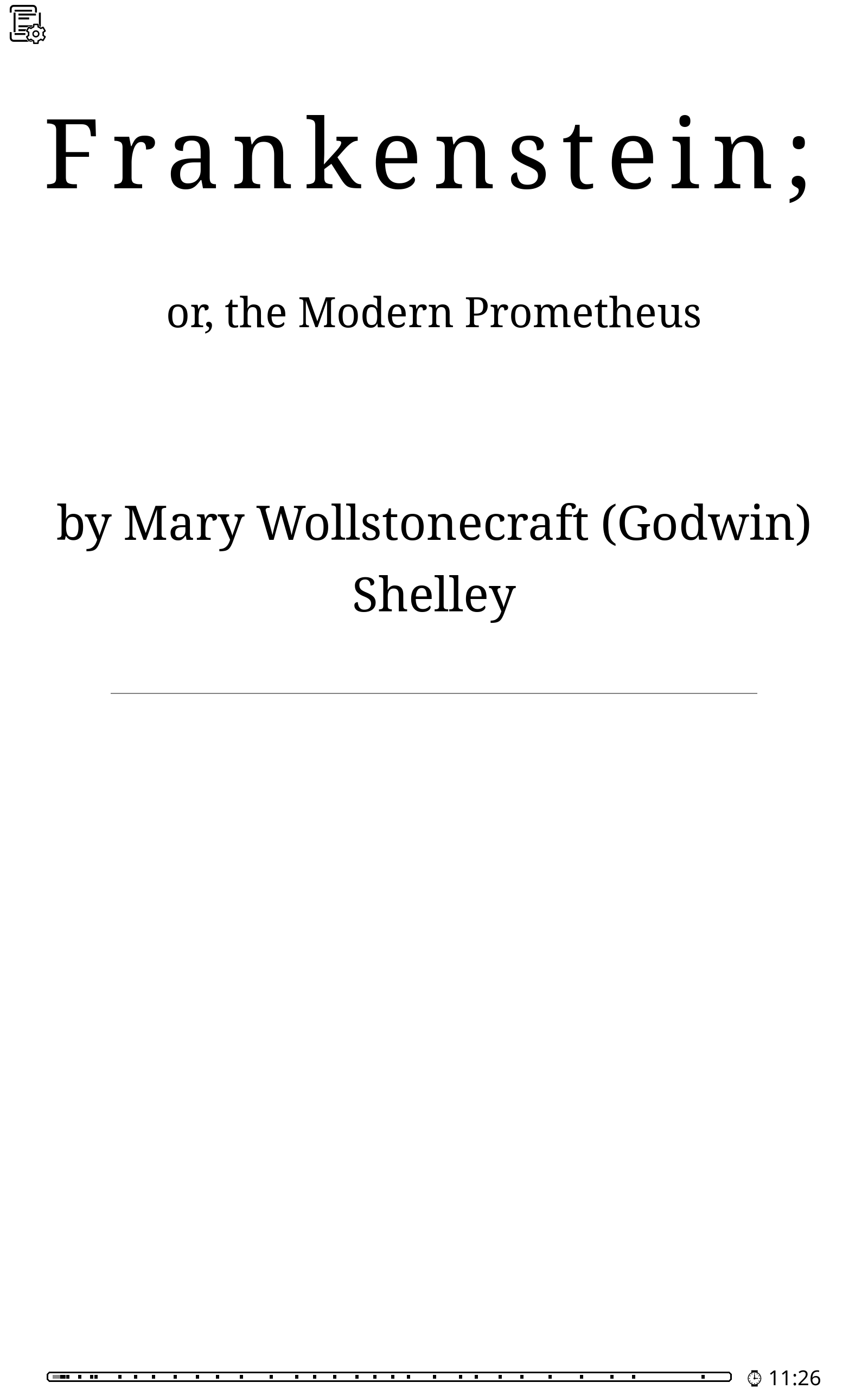
Of course there’s some additional work to be done, first forcing the layout to always be vertical.
Stay tuned for part 2!